3 minutes
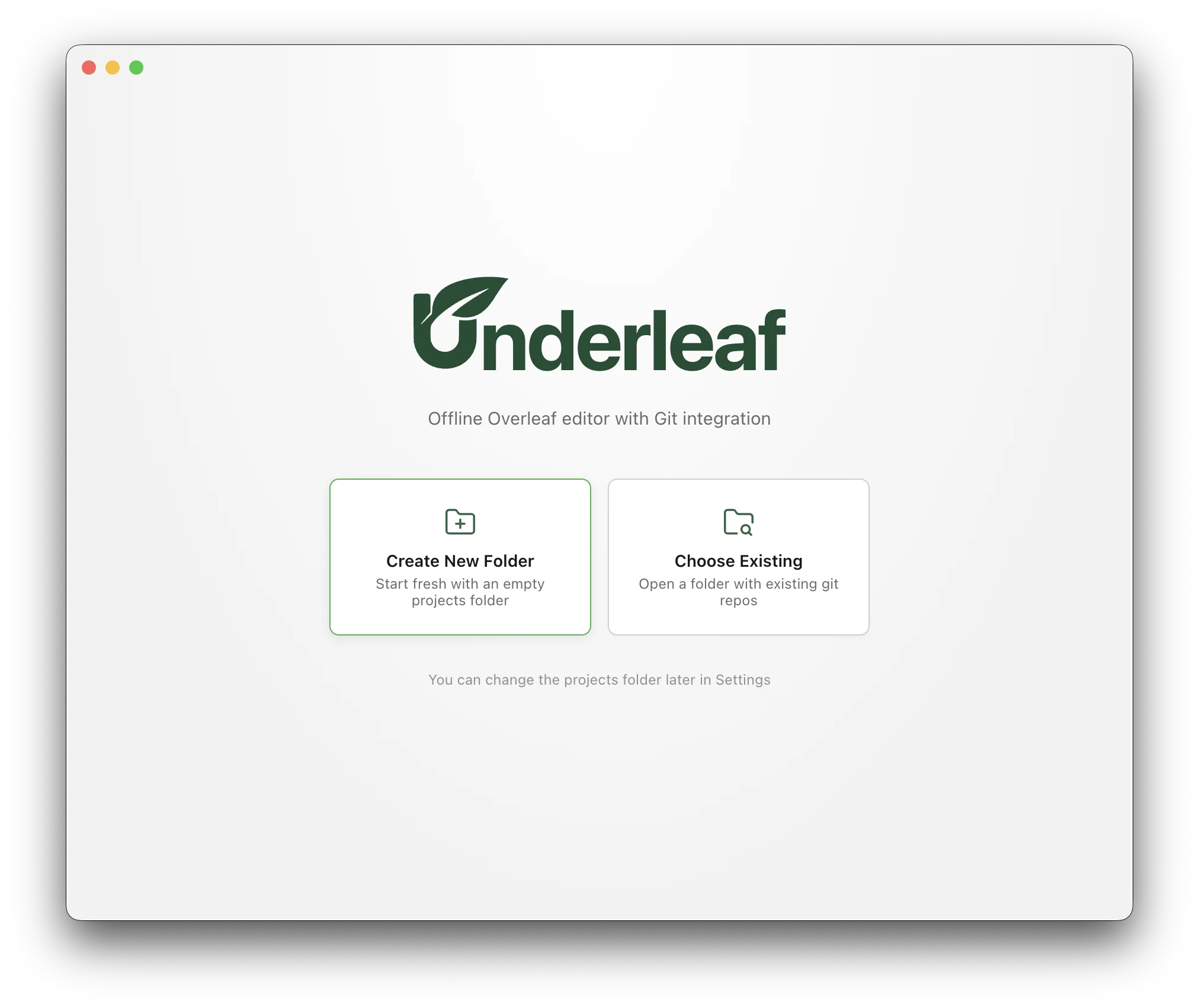
Introducing Underleaf! An offline editor for Overleaf with Git integration.
I do a lot of writing on planes. Or at least I’d like to. But many of my manuscripts and technical notes live on Overleaf and, as soon as I leave wifi, they become inaccessible.
Although Overleaf Premium allows projects to be cloned locally via Git, I’ve always found the transition between Overleaf and local editing jarring. Managing dozens of repositories on my machine quickly got out of hand. At least for me. What I wanted was something that felt like Overleaf, worked online and offline, and made the transition between the two feel as seamless as possible.
There are reasons Overleaf has not done this already. If collaborators continue editing a project while you’re offline, synchronization and merge conflicts arise. While delicate, these seemed like tractable issues.
Underleaf is an app I’ve been wanting others to make for quite some time. With the state of LLMs these days, I was able to ask one to build the app for me. I take zero credit for the result. I’m open sourcing it in case others find it interesting. If you find it useful, great. If you want to fork it and improve it, even better. If you file an issue, I may eventually get around to it. But at least for now, this isn’t a project I plan to actively maintain.
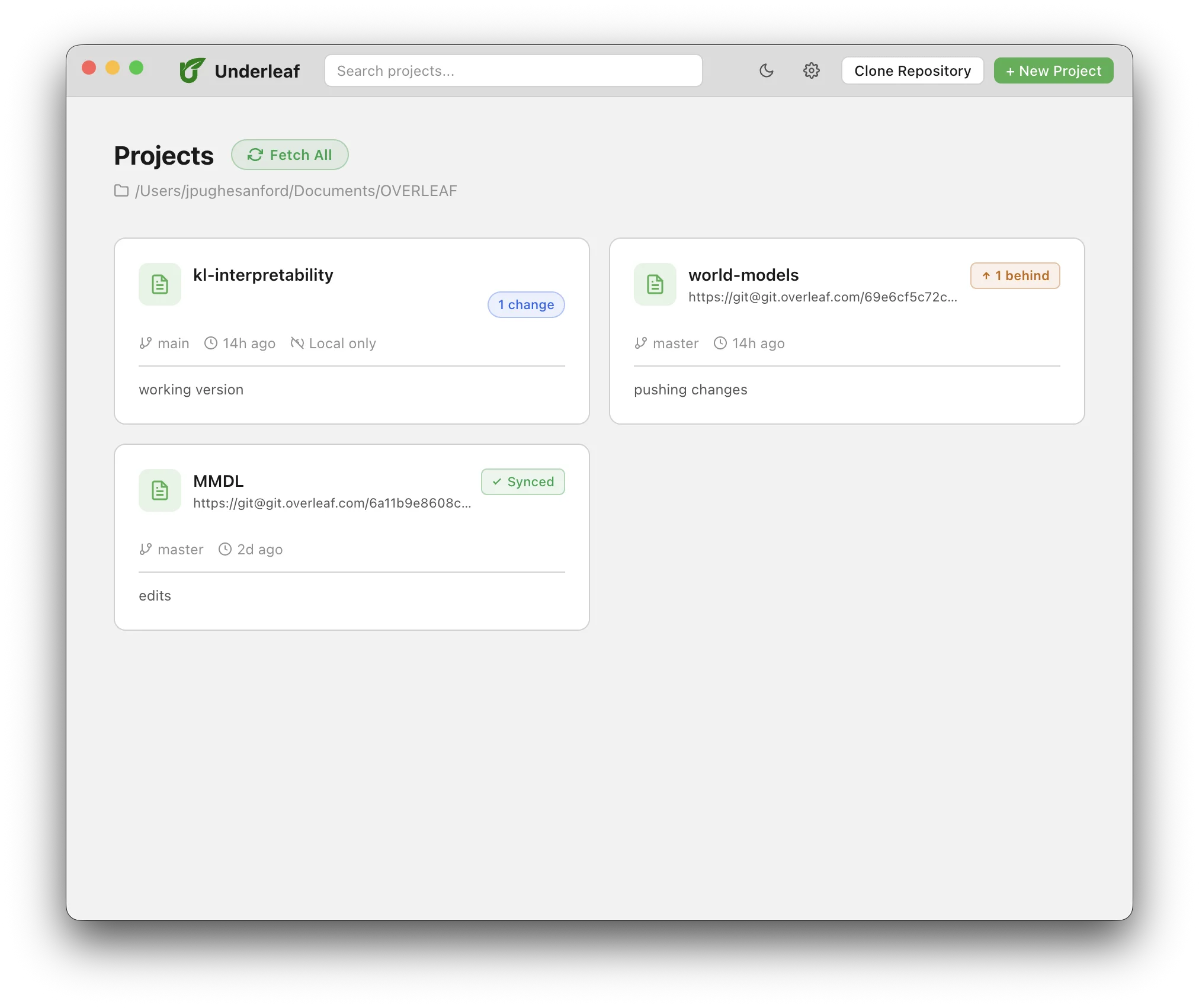
Underleaf is a desktop app for macOS that looks and works like Overleaf, but everything persists locally. Point it at an “Overleaf” folder and every LaTeX project inside appears on a dashboard. The dashboard displays the state of all projects in the Overleaf folder, at a glance. Projects can be synced, ahead or behind their remote, in conflict, or local, which does not have a badge.
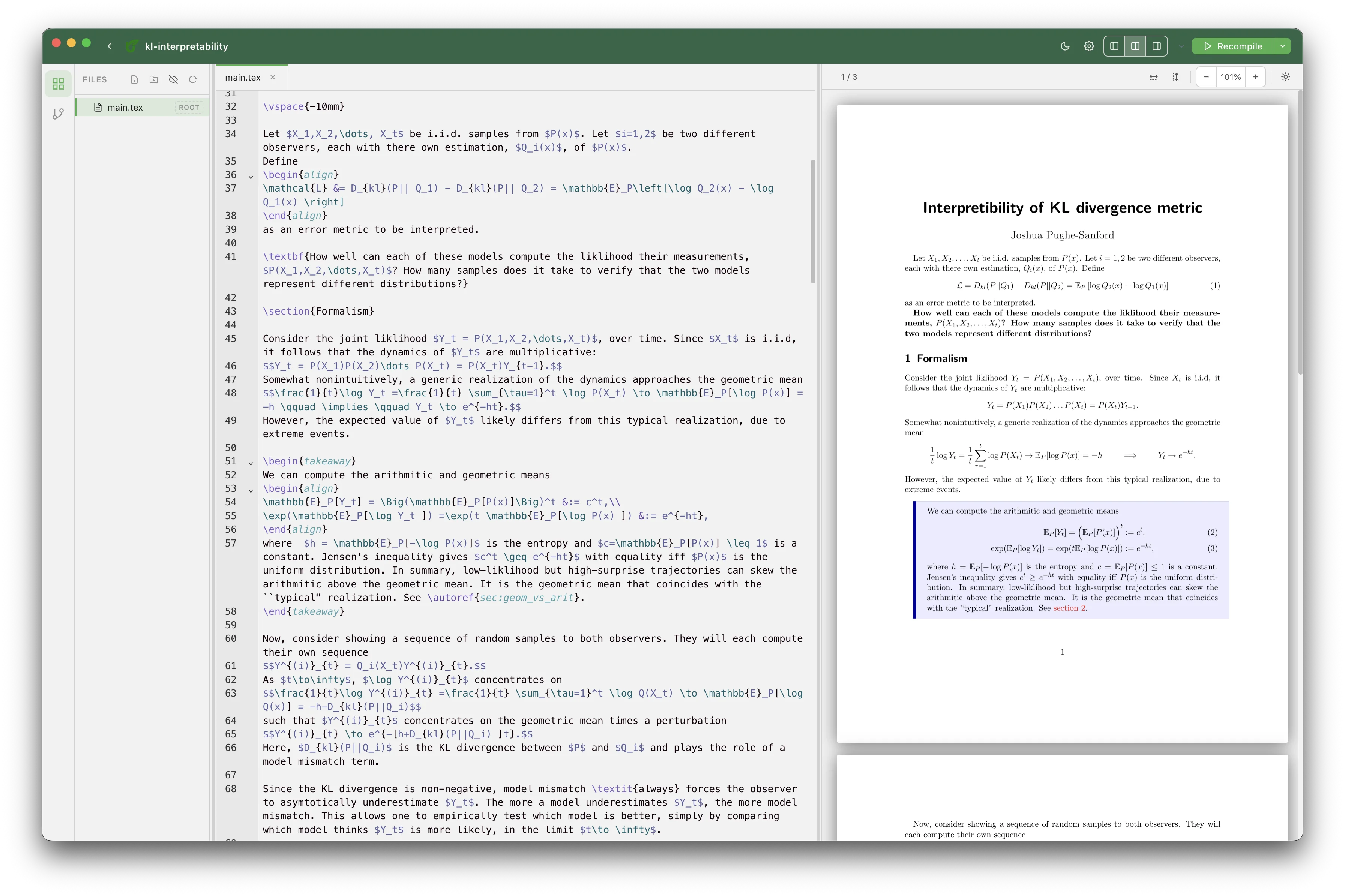
Opening a project drops you into the editor: utility panels on the left, LaTeX source in the center, and a compiled PDF on the right. Just like Overleaf. Syntax highlighting, command autocompletion, clickable links in the PDF viewer, light/dark mode and numerous other quality-of-life features are included. Many more are in the works.
Underleaf includes a Source Control utility panel that mimics the one in VS code. Stage files, write a commit message, or push and pull the repository, all in one place.
The dashboard and source control panel, taken together, are what make this app useful as an Overleaf companion: before takeoff (or whenever you expect to lose wifi), you sync. This gives you a clear picture of your local state relative to all remote repositories. When you land, you sync again. If collaborators edited the project while you were away, you can resolve any resulting merge conflicts directly within the app.
You can download the app on the Releases page of the Github. The source code is also available there.
Underleaf is Mac only right now. The first time you open the app, macOS will warn you that it’s from an unidentified developer — which it is. I will not be paying Apple $100 to get a developers license. You can allow the app to be opened in the Privacy & Security settings by scrolling all the way to the bottom and clicking Allow. You only need to do this once. The app requires you to have TeX Live installed locally, which is likely the case if you’re editing LaTeX outside of Overleaf. Underleaf will attempt to detect the installation automatically.
Happy editing!
562 Words
2026-05-25 20:00 -0400